
Start from a look, then change anything: background, colors, frame, fonts, effects, layout and your own logo. 21 scenes in four groups: stream screens, transparent overlays, channel art for YouTube, X and Twitch, and social promo posts.
Free downloads go up to 1280 px on the long side and carry a small "Made with streammask.com" line.
Unlock full-size downloads and remove the credit line, in the Creator and in the Customizer.
Every image below came straight out of the creator, with the free credit line. Click one to jump to the editor.
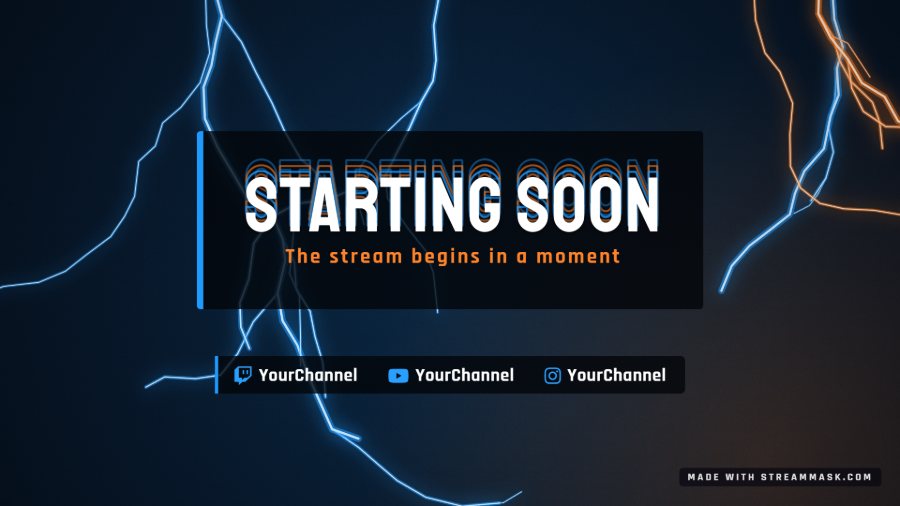 Starting soon screen, Zero Voltage look
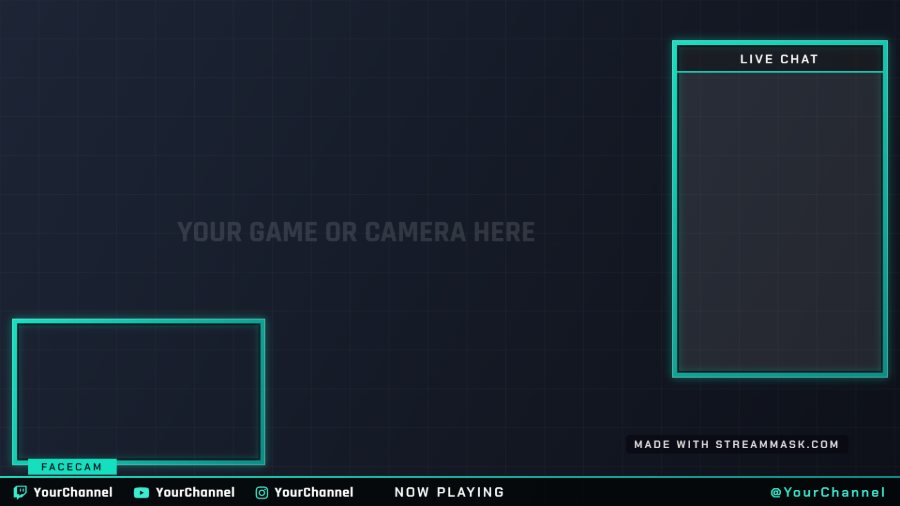 Transparent gameplay overlay with facecam and chat
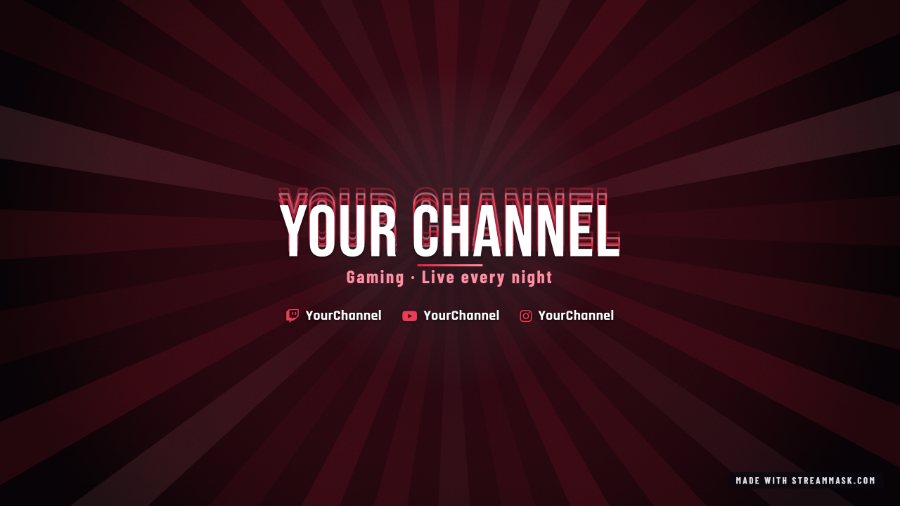 YouTube banner, Atlantis Crimson look
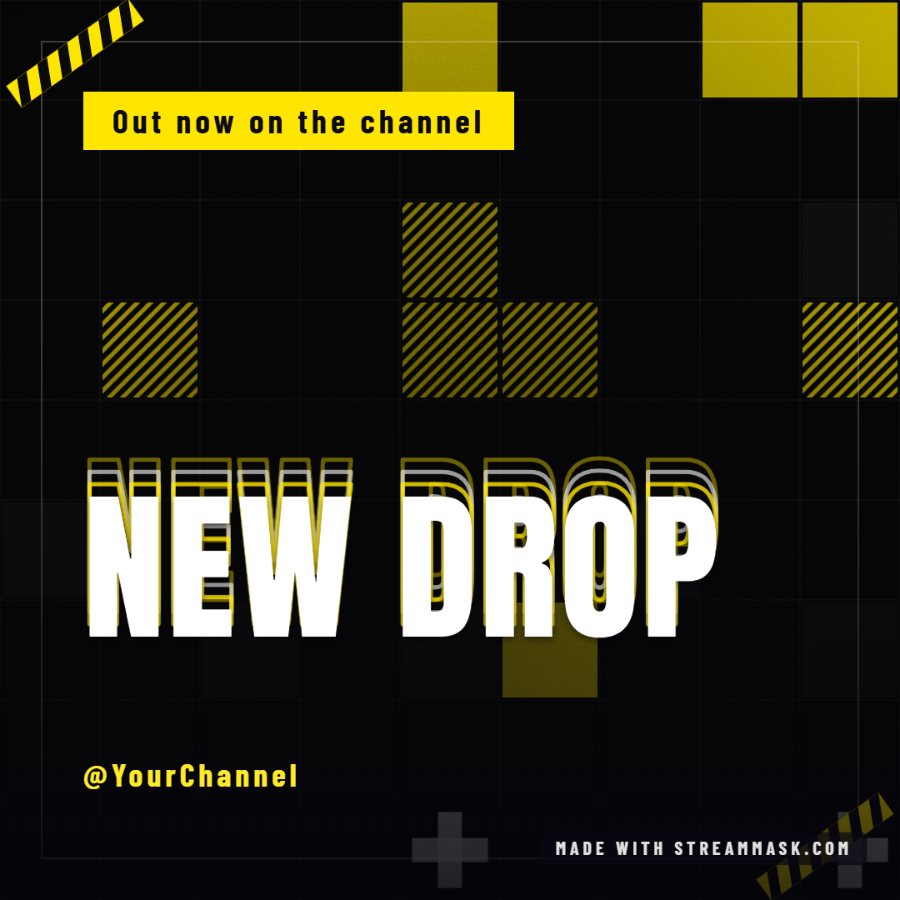 Instagram post, Blazex Poster look
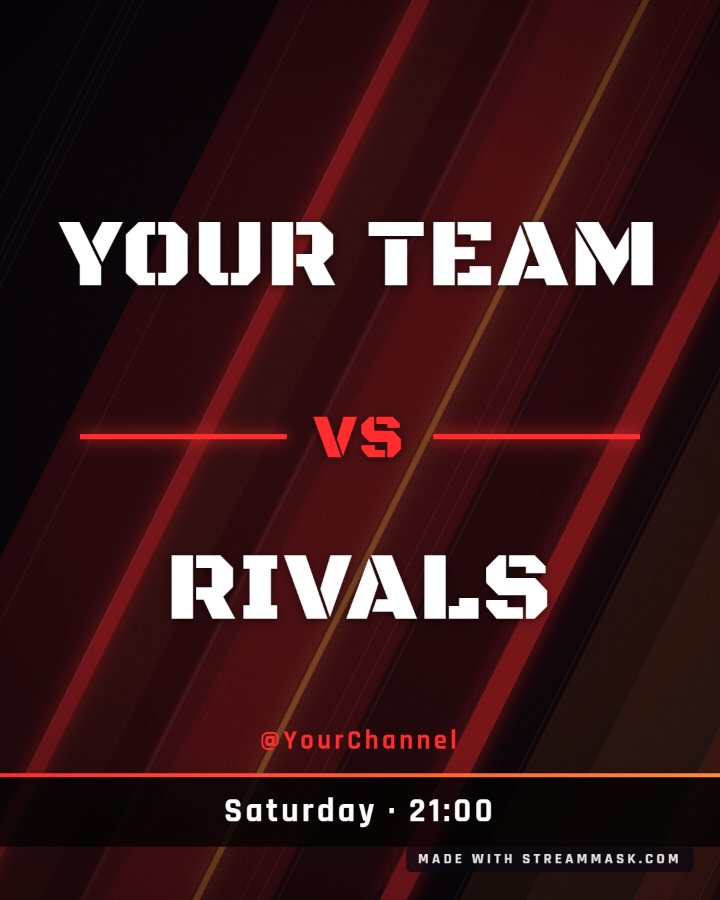 Esports event flyer, versus layout
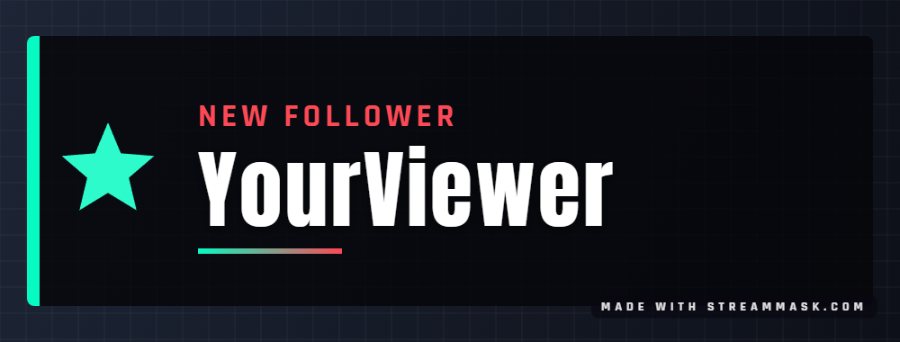 New follower alert with the Legendary art
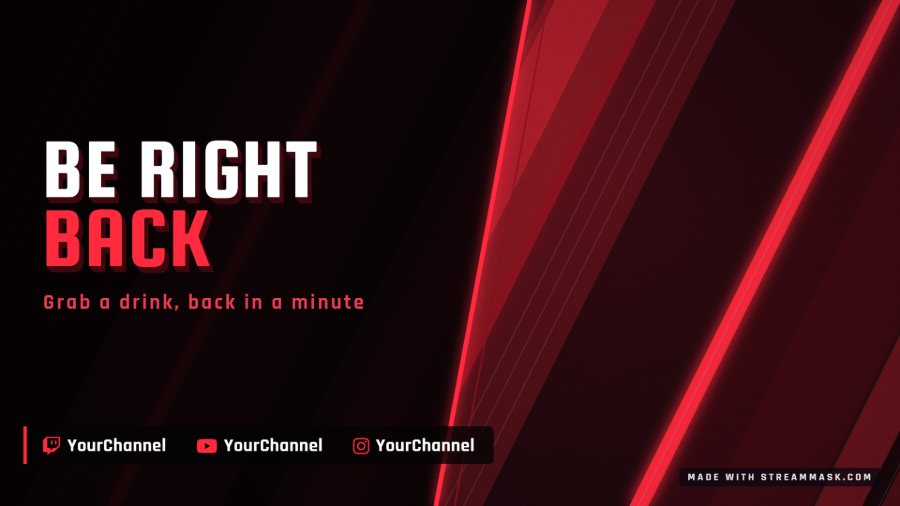 Be right back screen, Vortex Slash look
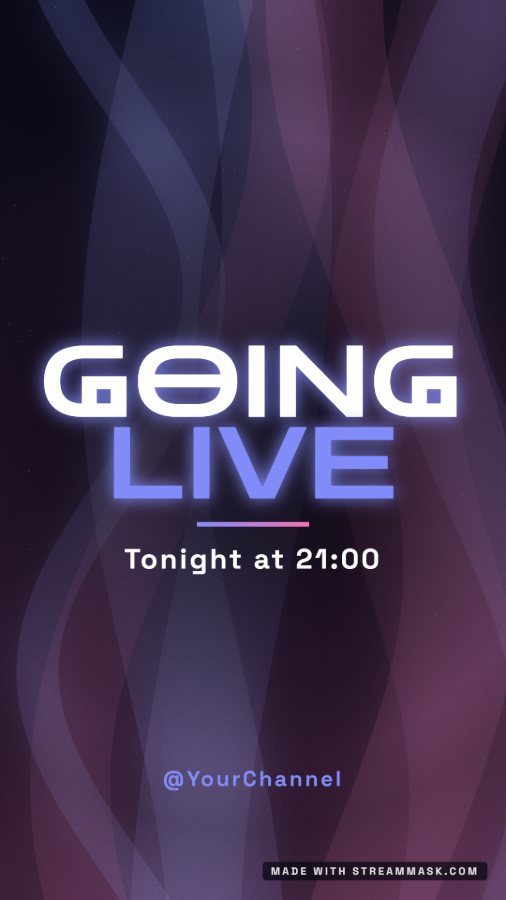 Instagram story, Cosmic Drift look
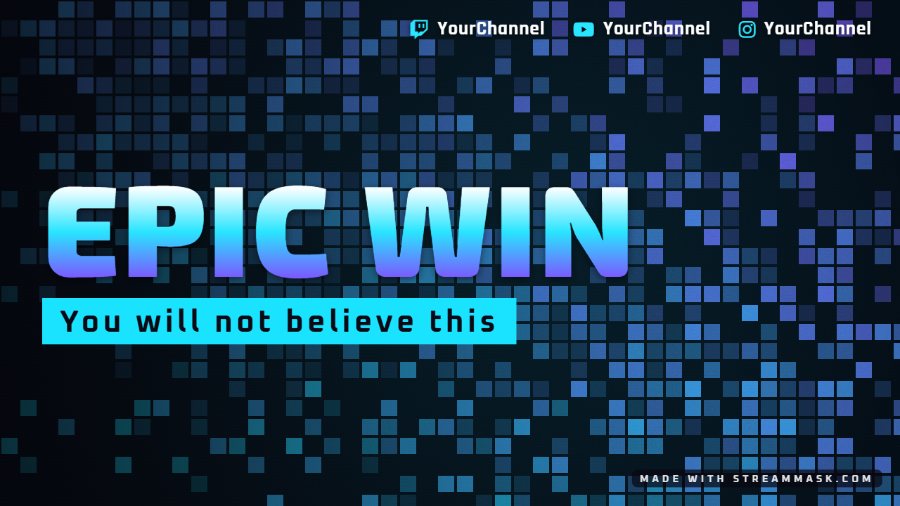 Video thumbnail, Spectrum Pixels look
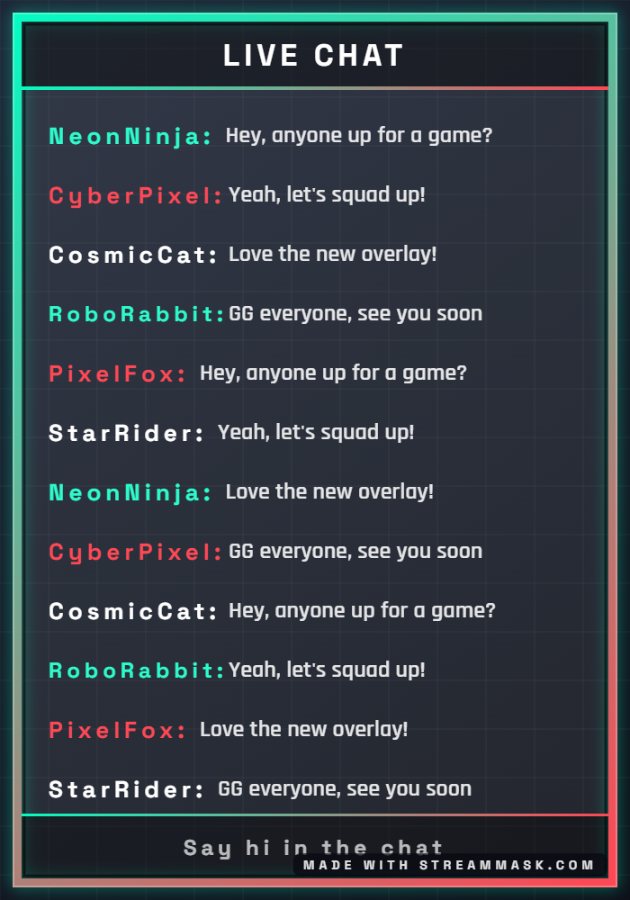 Chat box overlay, Retro Neon look
 Channel avatar, badge layout
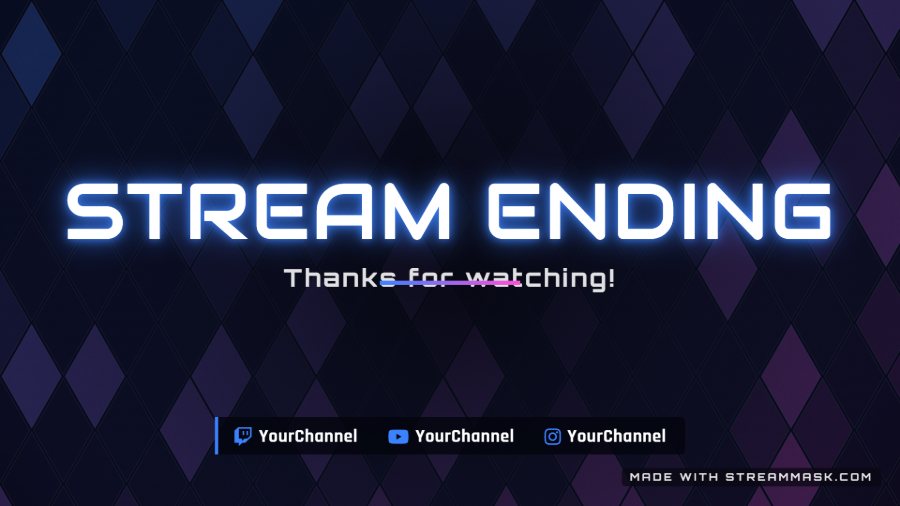 Stream ending screen, Nova Neon look
We design overlays, alerts and animated scenes for streamers, influencers and esports teams.
Let's talk about your ideaYes. You can design and download every scene for free, with no account. Free downloads go up to 1280 px on the long side, as PNG, JPG or WebP, with a small "Made with streammask.com" line.
21 scenes in four groups. Stream screens: starting soon, be right back, ending and offline. Transparent overlays: gameplay, just chatting, intermission, webcam frame, chat box, alert, lower third and goal bar. Channel art: YouTube banner, X header, Twitch banner, video thumbnail, avatar and Twitch panels. Promo: Instagram post, Instagram story and event flyer. There are 34 starting looks, 24 background options (including the design art and your own photo) and 19 frames.
Add the PNG as an Image source above your game capture. The empty areas show your game and your webcam: place the camera source under the frame and resize it to fit.
Yes. Pick any colors, one of 14 background styles, a frame, fonts and a text effect, write your own title, subtitle and handle, add up to four social links and your own logo. The graphic can be in English, Spanish or French.
Stream screens and overlays are 1920x1080: use a 1920x1080 canvas in OBS and they fit exactly. Every other scene uses the size of its platform (for example 2560x1440 for a YouTube banner or 1080x1350 for a flyer), shown under the preview.
Yes. We design custom overlays, alerts and channel graphics for streamers and esports teams. Send us your idea and we will reply with a proposal.