


PGM · Scene 01/06 · MysticLive preview
STARTING SOON
@YourChannel
Free tools + overlay packs for streamers
Make your stream look professional in minutes
Recolor overlays, build your schedule, add a countdown and design your channel graphics, free and right in your browser. Love a design? Get the full pack.
- No sign-up
- Runs in your browser
- Works with OBS and Streamlabs
02#Free tools
Free tools for your stream
Pick a design, choose your colors and download. Nothing to install, no account needed.
-
01
Overlay CreatorNew
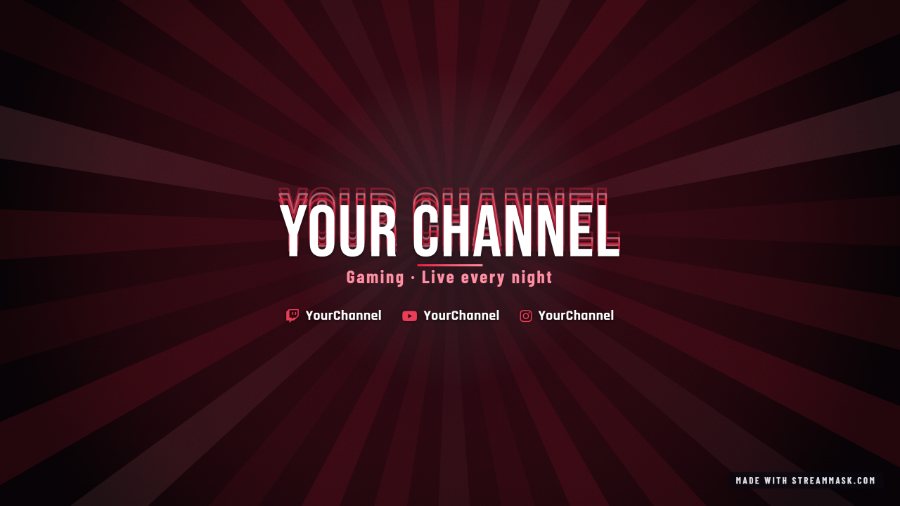
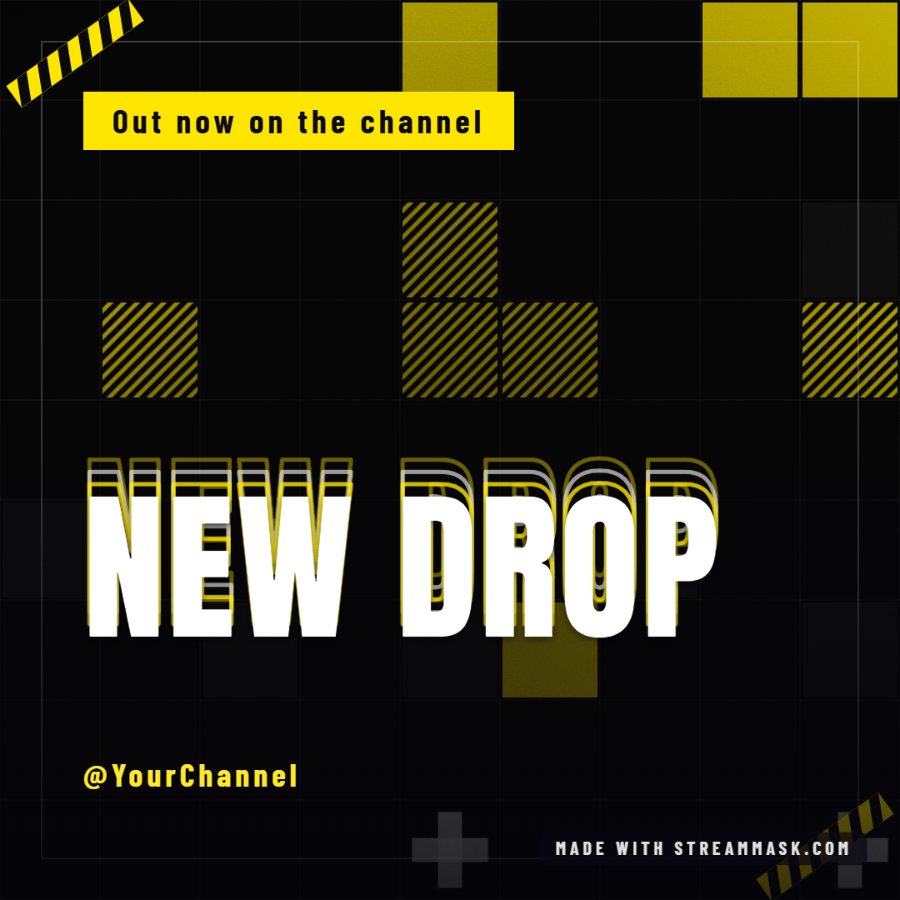
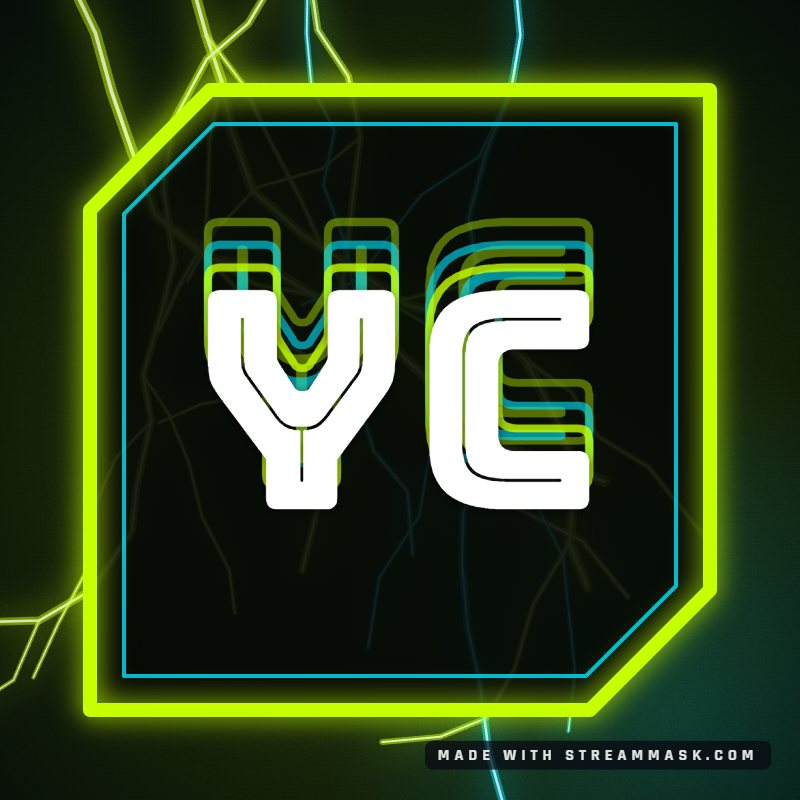
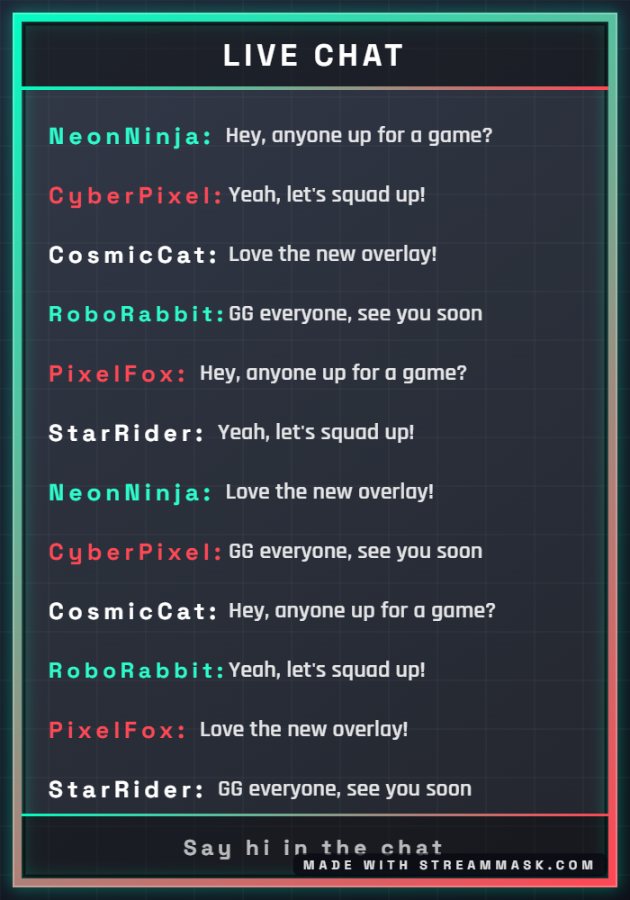
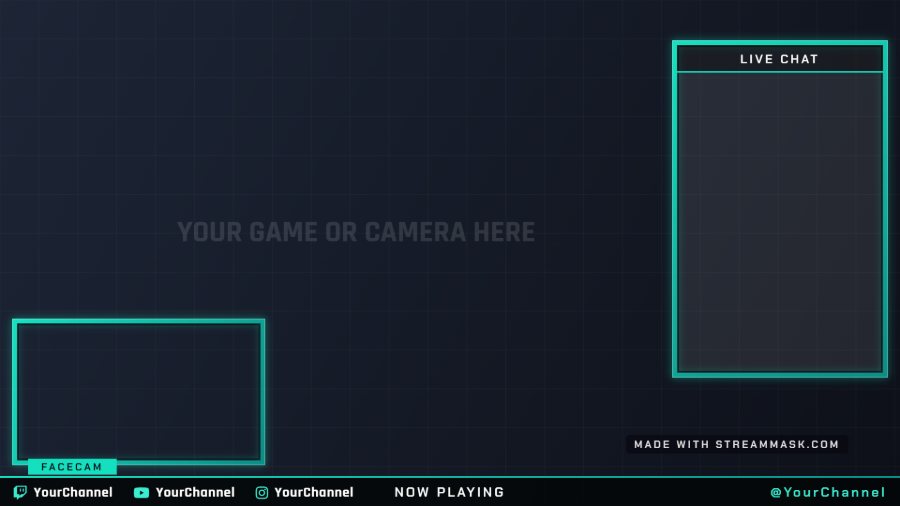
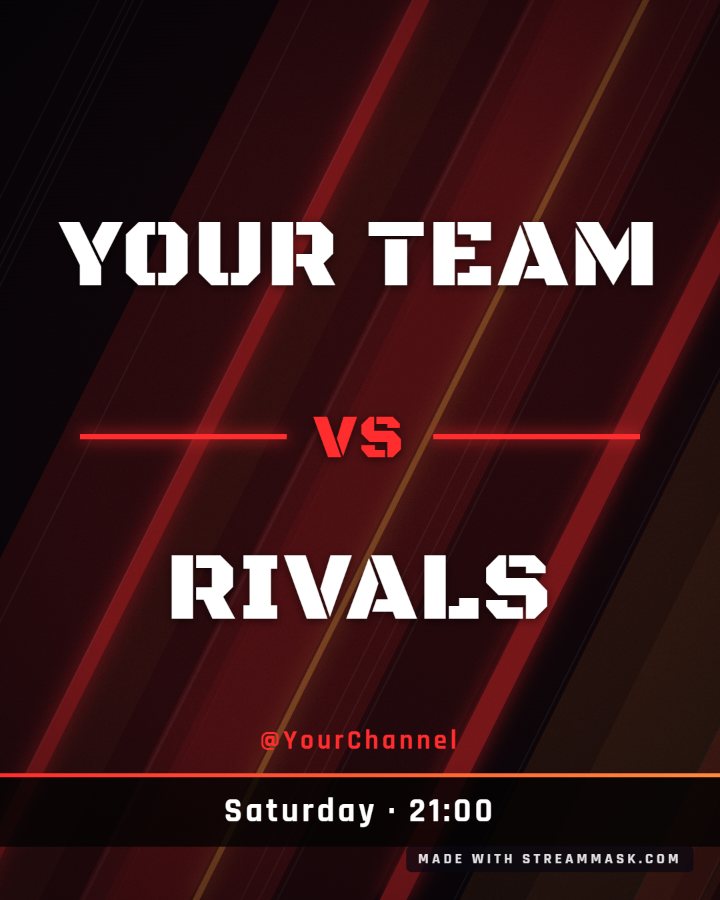
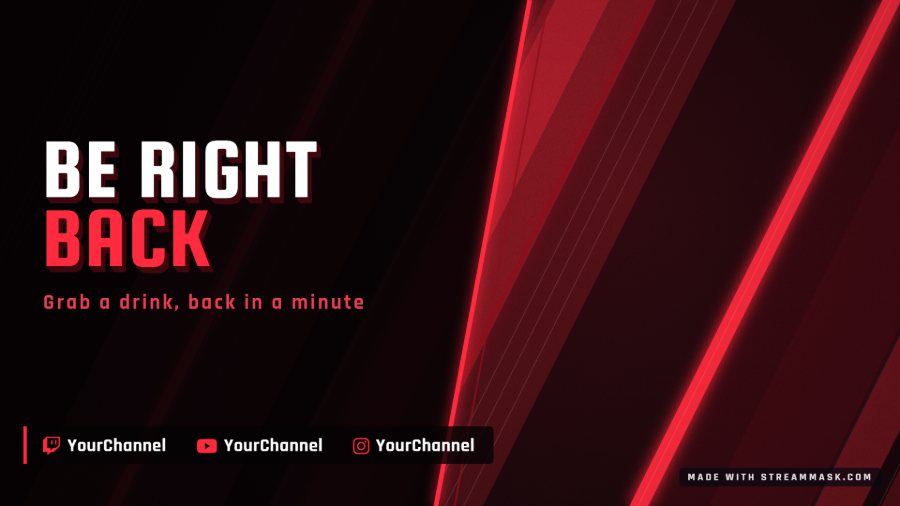
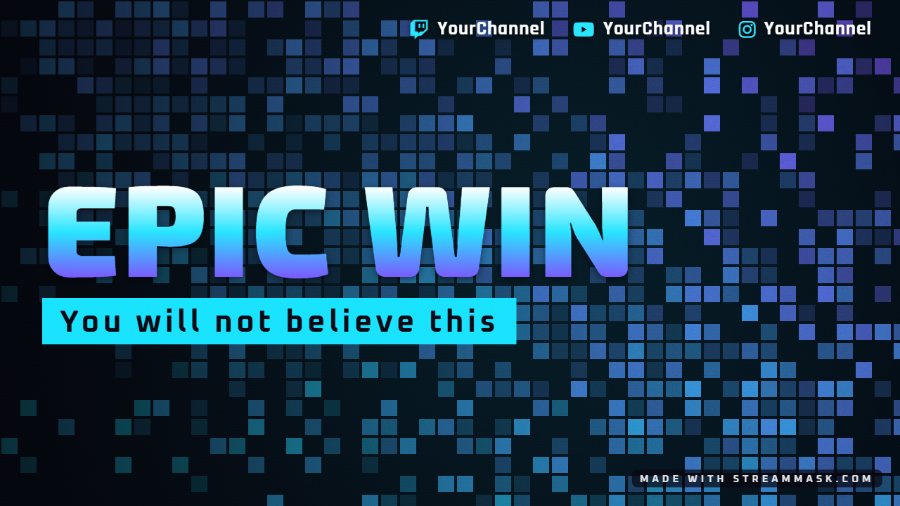
21 scenes: stream screens, overlays, alerts, banners and social posts
-
02
Customizer
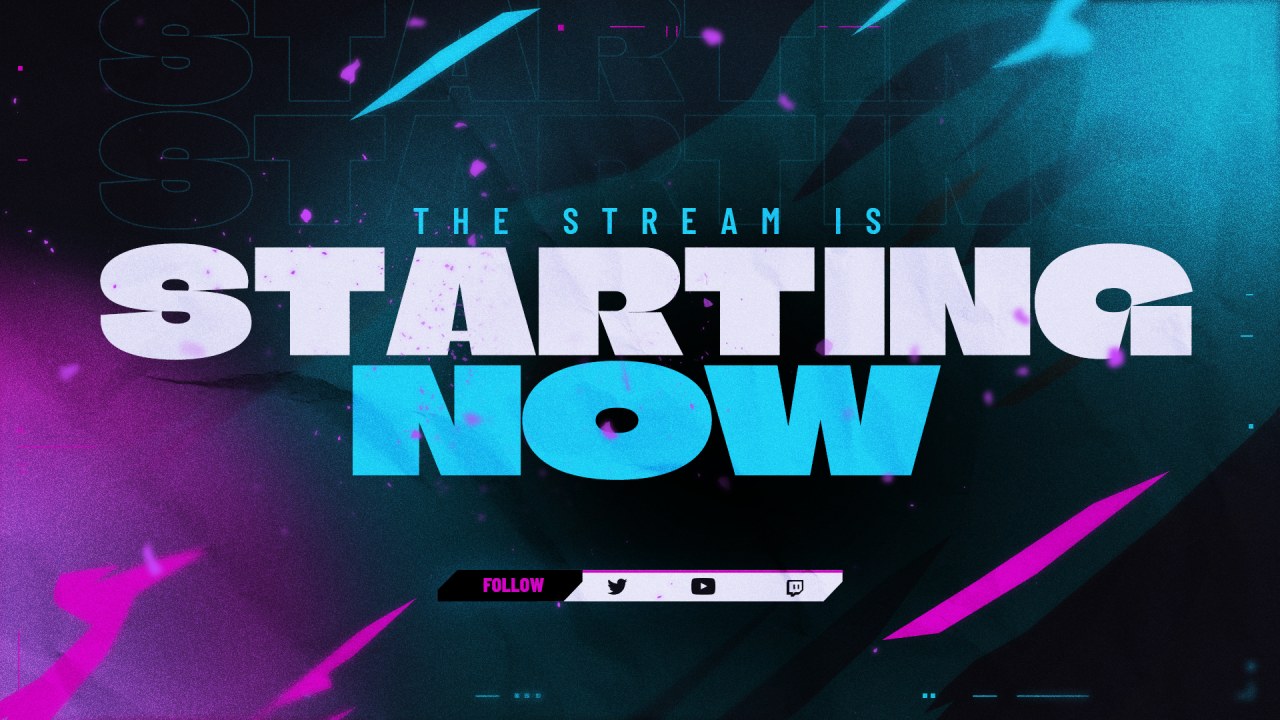
Recolor a stream screen in your brand colors and add your handle.
-
03
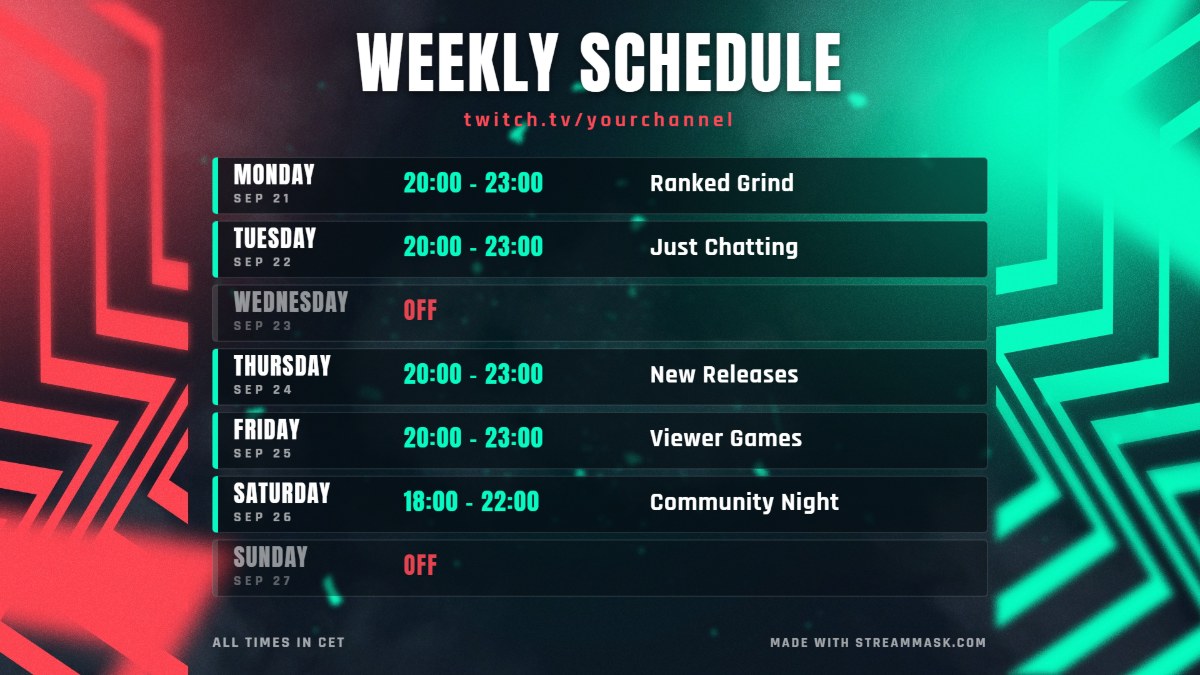
Schedule Maker
Make a weekly schedule image, ready to post.
-
04
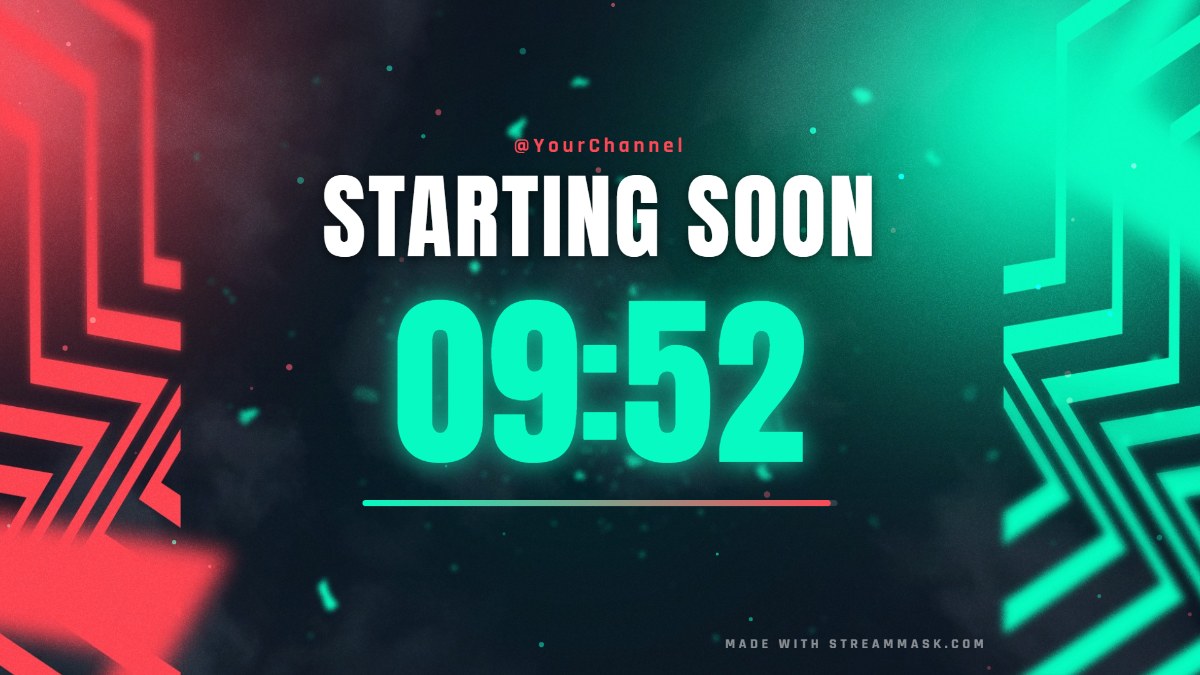
OBS Widgets
Starting soon countdown, BRB timer, live chat box and social rotator.
-
05
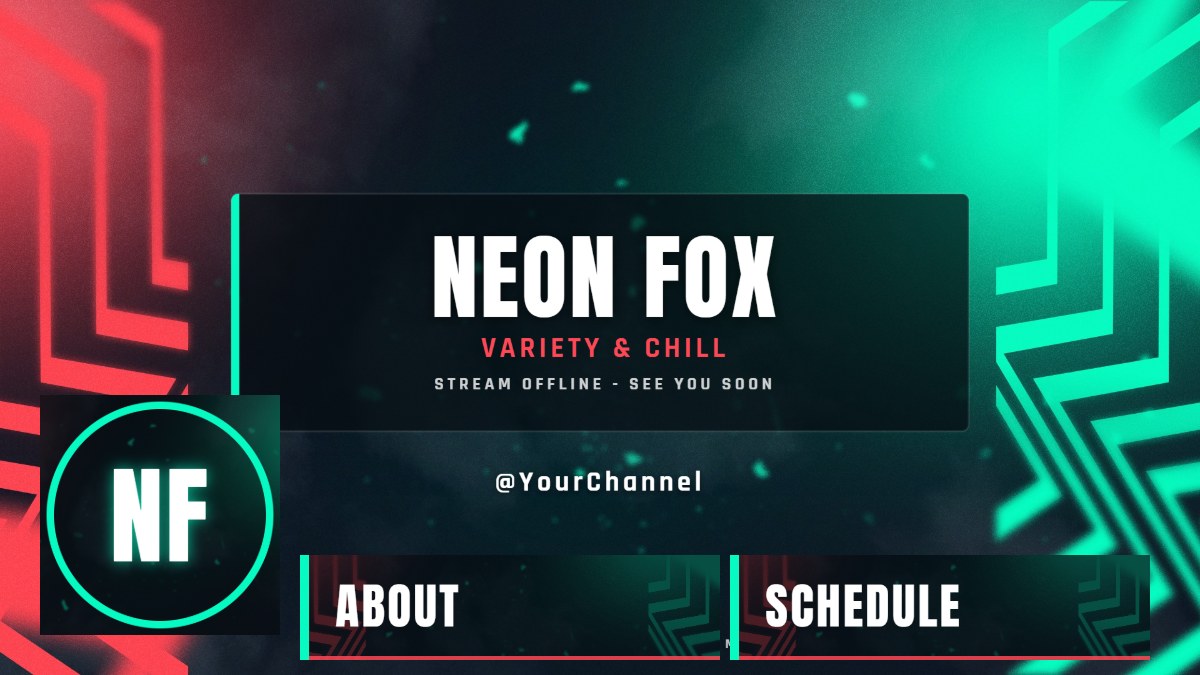
Brand Kit
Offline screen, panels, banners and avatar in one click.
-
06
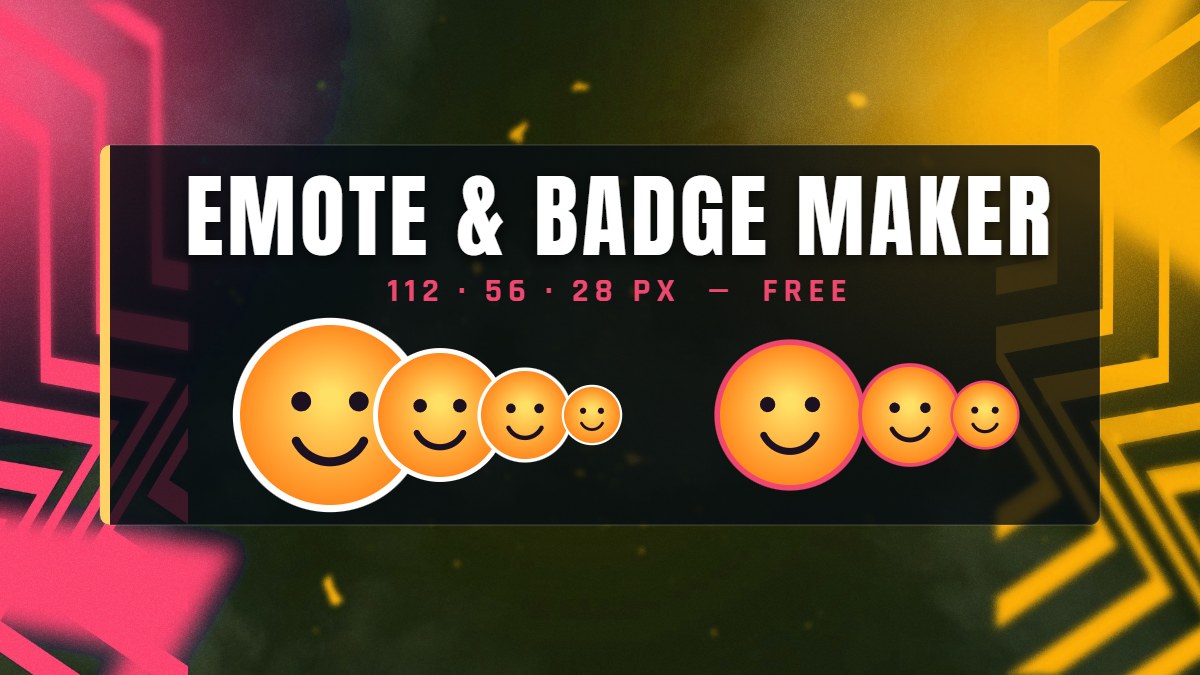
Emote Maker
Turn any image into Twitch and Discord emotes and badges.
-
07
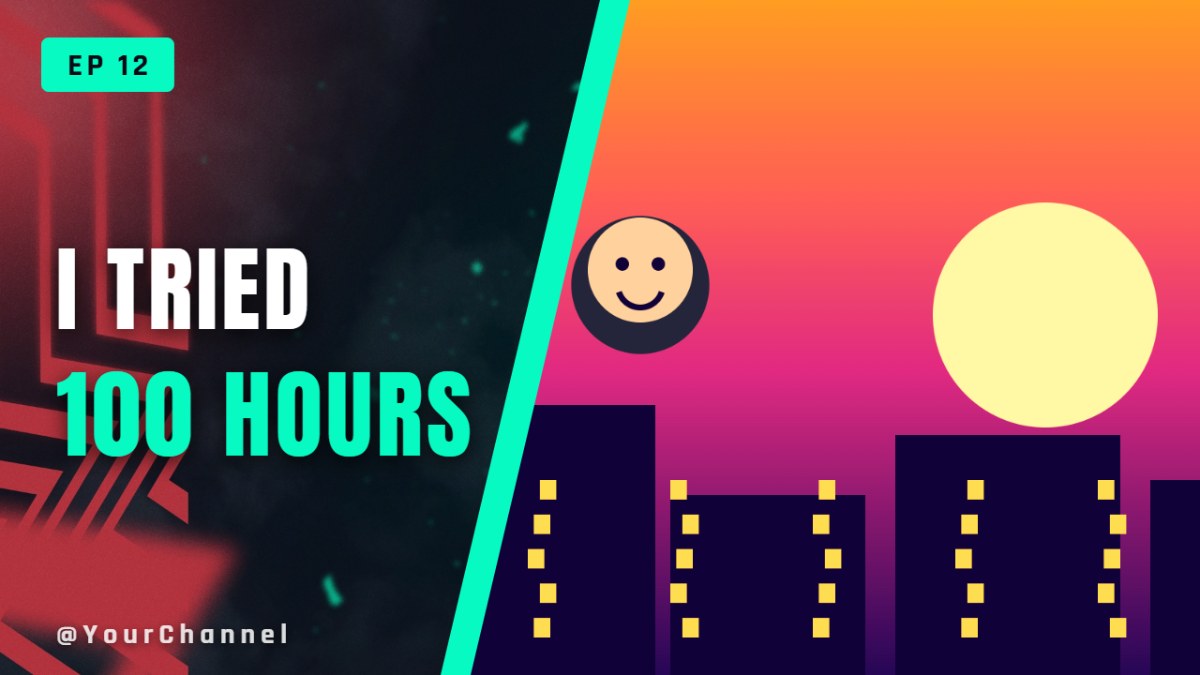
Thumbnail Maker
YouTube thumbnails with big text, in a few minutes.
-
08
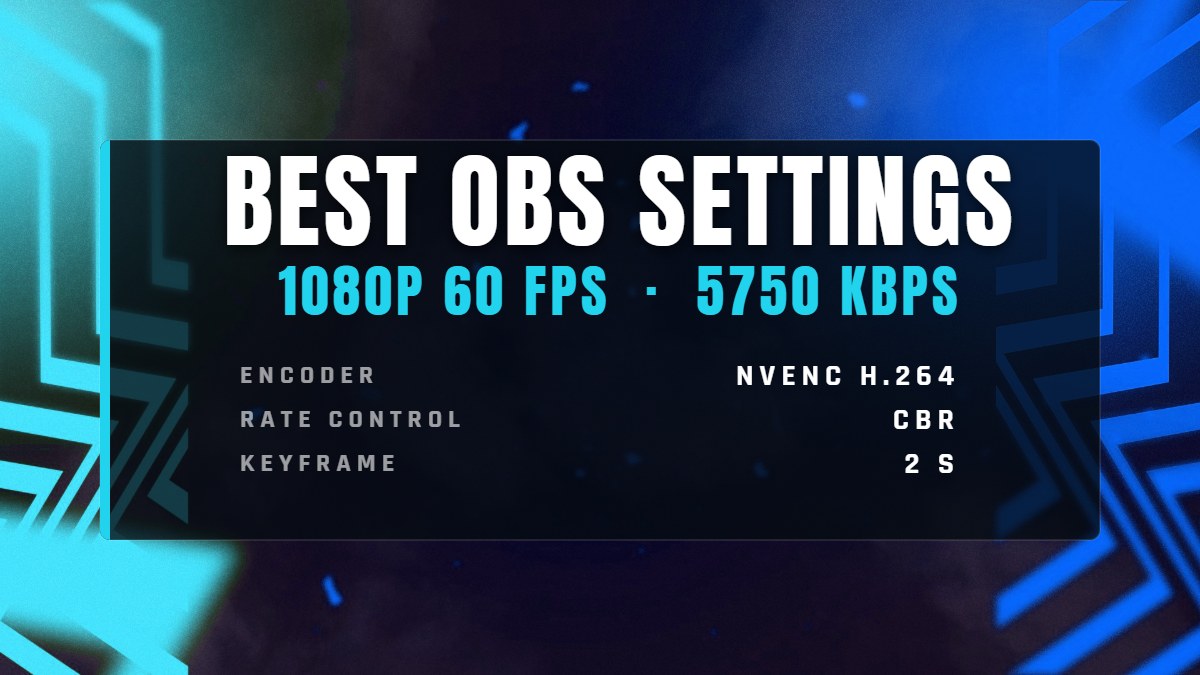
OBS Settings
The right bitrate and encoder settings for your connection.
-
+
Something custom?
Tell us your idea and we will design it for you.
03#New free tool
Overlay Creator your whole channel in one place
ScenesStarting looksPlatformsAccounts needed
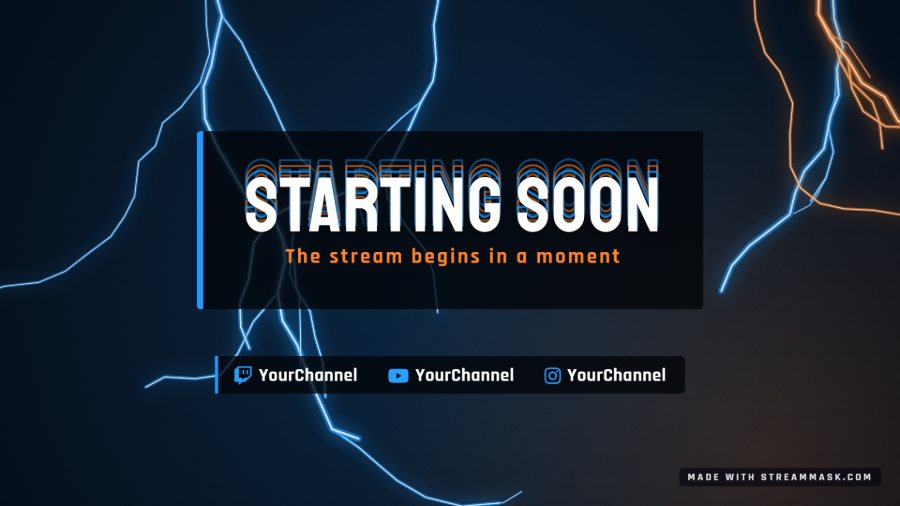
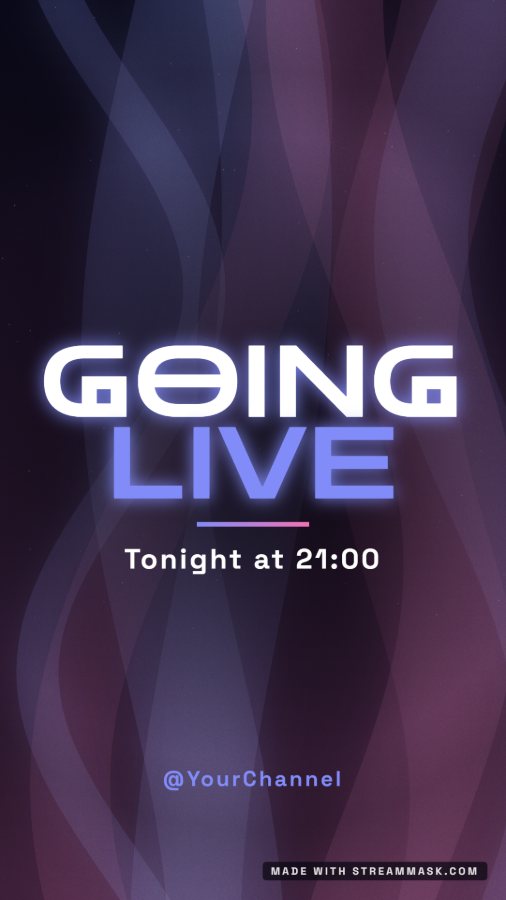
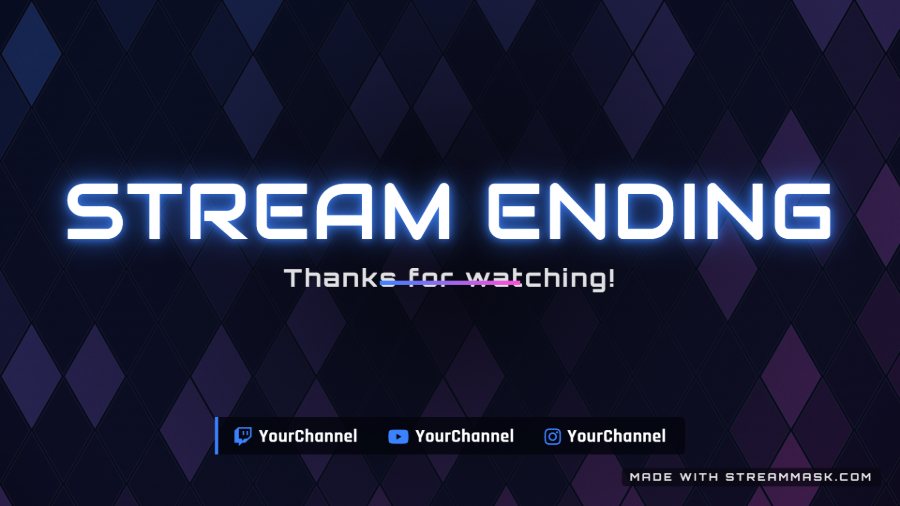
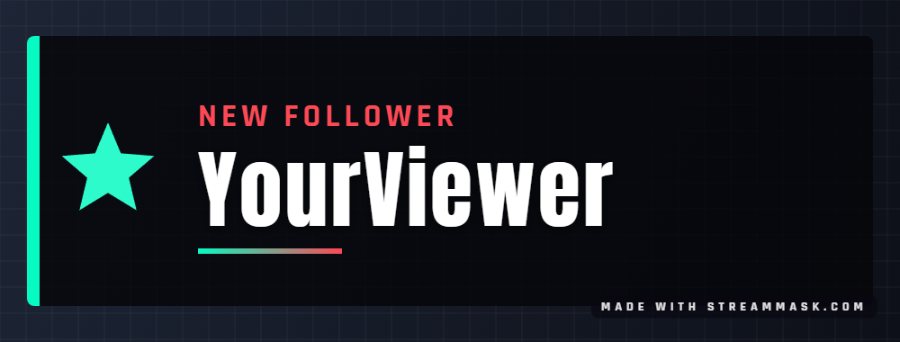
21 scenes: stream screens, overlays, alerts, banners and social posts
34 starting looks, your colors, fonts, logo and photo
Each graphic in its platform size, ready for OBS, YouTube, Twitch and Instagram
Free, in your browser, no account
Start from a look inspired by our overlay packs, then make it yours. Every graphic your channel needs, with the same style.
04#Try it now
Recolor a design in one click
Pick a design and a color. This is the same engine as the free Customizer.
STARTING SOON
05#Why Stream Mask
Built for streamers who have no time for design
01No learning curve
Ready for OBS and Streamlabs
Add the files as a source and you are live. No plugins, no converting, no guesswork.
02Make it yours
Your colors in seconds
Recolor any design in your browser with the free Customizer, then download it.
03Go further
Editable PSD files
Change colors, fonts and text in Photoshop to match your brand.
04We reply
Real human support
Email us before or after buying. A real person answers, not a bot.
#How it works
From zero to live in three steps
Looking professional should not take weeks. Start free, and upgrade to a full pack when you want every screen, facecam frame and panel.
- Pick a design from the store or the free tools
- Set your colors and handle in your browser
- Add it to OBS or Streamlabs and go live
- Need changes? We also do custom work
06#Overlay packs
Pick the design that matches your channel


-
01
Blazex
Instagram Post Template

-
02
Neon Glitch
Esports Flyer

-
03
Cyberstream
Tech Flyer Template

-
04
Nova Dynasty
E-Sports Instagram Template

-
05
Strix
E-Sports Flyer Template

-
06
Vortex
E-Sports Presentation Template

-
07
Void Hunter
E-Sports Flyer Template

-
08
Elysium
E-Sports Flyer Template

-
09
Nexus
E-Sports Flyer

-
10
Valiant
E-Sports Flyer

-
11
Oblivion Knights
Instagram E-Sports Template

-
12
Spectra
Gaming Website Template

-
13
Savage Reapers
E-Sports Logo

08#Free guides
Learn step by step
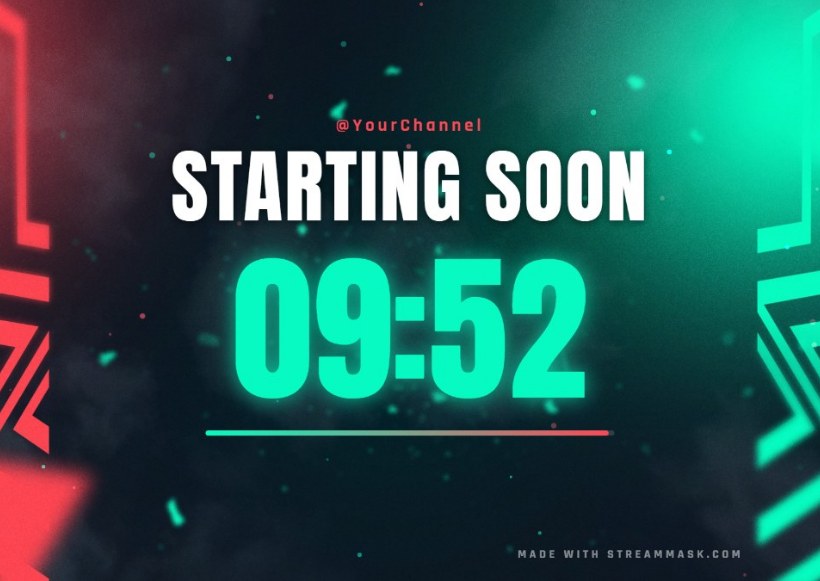
01Free widget
How to add a starting soon countdown to OBS
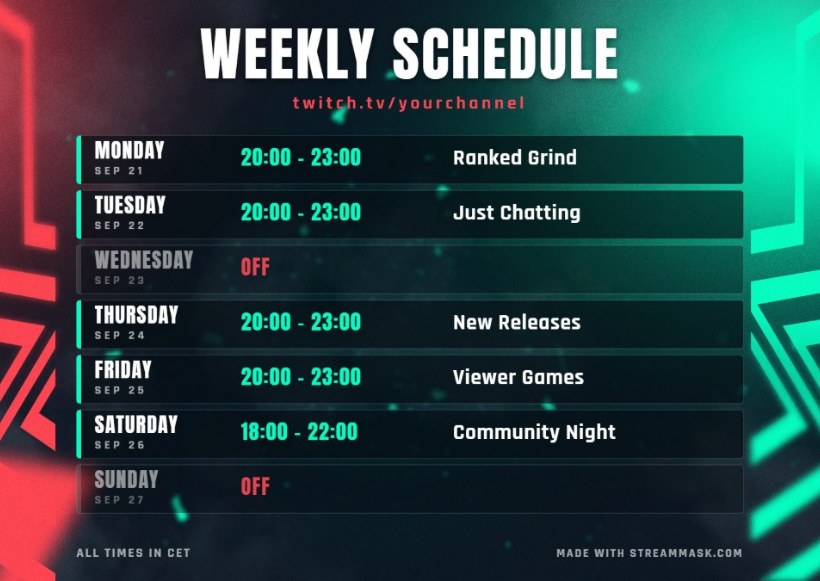
02Free tool
How to make a weekly stream schedule for Twitch and YouTube
03OBS Studio
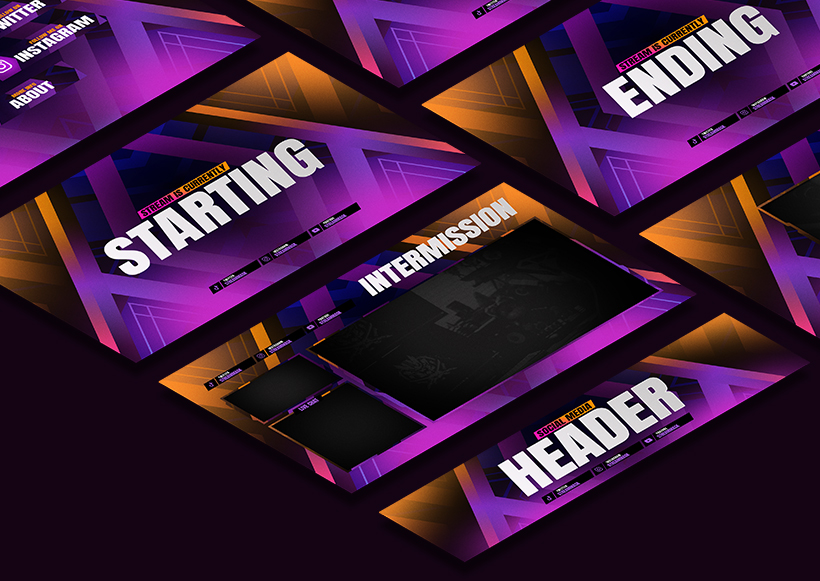
How to add a stream overlay in OBS Studio
04Reference guide
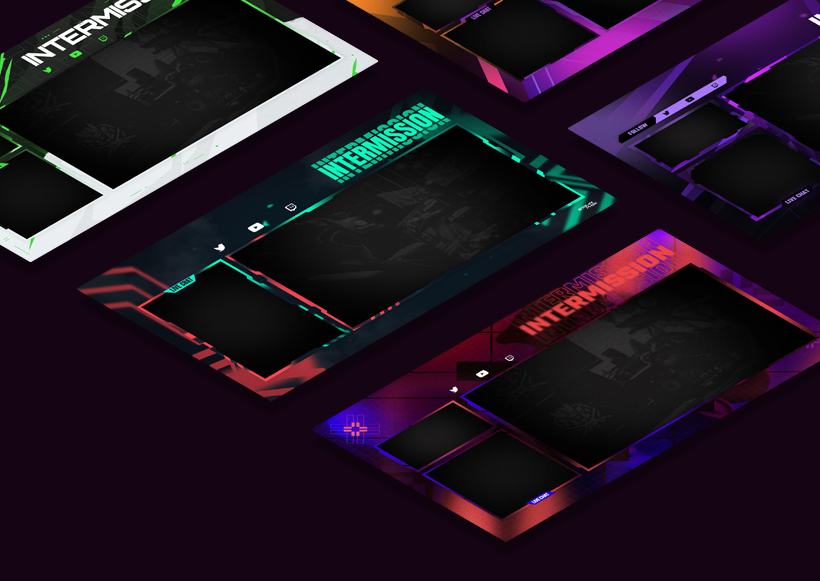
Overlay & canvas size guide for Twitch, YouTube and Kick
09#Questions
Good to know before you start
01Are the tools really free?
Yes. They run in your browser, with no account and nothing to install. Some of them add a small line with our name to the image.
02What do I need to use a pack?
OBS Studio, Streamlabs or any streaming software that accepts images as a source. Packs include PNG files and editable PSD files.
03Can I change the colors of a pack?
Yes. Use the free Customizer in your browser, or edit the PSD in Photoshop.
04Do you make custom designs?
Yes: overlays, logos and channel graphics. Tell us your idea in the services form and we will reply by email with a proposal.
05What if I have a problem?
Write to support@streammask.com. A real person answers.
10#Custom work
Want something made just for you?
We personalize our packs and design custom overlays, logos and channel graphics for streamers, influencers and esports teams.