
How to add a stream overlay in OBS Studio
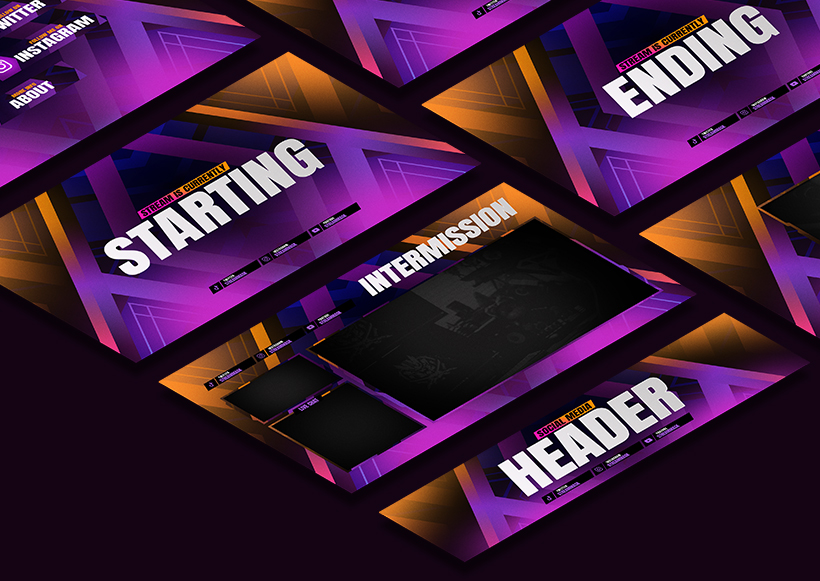
A stream overlay is just an image (or a short animation) that sits on top of your gameplay or webcam. Most overlay packs — including ours — come as PNG files with a transparent background, sized to match a standard streaming canvas. Here's exactly how to get one into OBS.
1. Set your canvas to match your overlay
Go to Settings > Video and check your Base (Canvas) Resolution. Most overlay packs are built for 1920x1080. If your canvas is a different size, the overlay will look cropped or stretched.
2. Add the overlay as a Source
In your Scene, click the + under the Sources box and choose Image for a static PNG, or Media Source if your overlay is an animated .gif or .webm. Name it something clear, like "Main Overlay", and browse to your file.
3. Resize and position it
With the source selected, right-click it in the Sources list and choose Transform > Fit to Screen — this snaps a full-canvas overlay perfectly into place. For smaller elements (like a webcam frame), drag the red corner handles instead.
4. Get the layering order right
OBS renders sources top-to-bottom, with the topmost item in the list appearing in front. Your overlay should usually sit above your Game Capture and Webcam sources, but below any Alert Box or Chat Box widgets. Drag sources up/down in the list until it looks right.
5. Lock it in place
Once it's positioned, right-click the source and select Lock. This stops you from accidentally dragging or resizing it mid-stream.
Common problems
- Overlay looks blurry: your canvas resolution doesn't match the overlay's native resolution — set both to 1920x1080.
- Transparent areas show black instead: the file isn't actually transparent — re-export as PNG with an alpha channel (not JPG).
- Overlay is hidden behind your game: check the source order — move the overlay above Game Capture in the Sources list.